
Quick Answer
Using QR codes on storage bins is an easy way to keep track of what’s inside each container without opening it. By linking each QR code to a shared Google Sheet, homeowners, cottage owners, families, and businesses can quickly view contents, update inventories, and stay organized during moves, seasonal storage, or long-term storage.
When you’re juggling dozens of bins, boxes, and storage containers, the question “What’s in here?” becomes a familiar headache. But what if every box could tell you exactly what’s inside, without you ever opening it?
Welcome to the era of QR-coded storage, a simple, free, and game-changing way to stay organized. Perfect for families, home businesses, or small teams sharing storage space.
How It Works
Each storage bin gets its own QR code that links to a shared Google Sheet inventory.
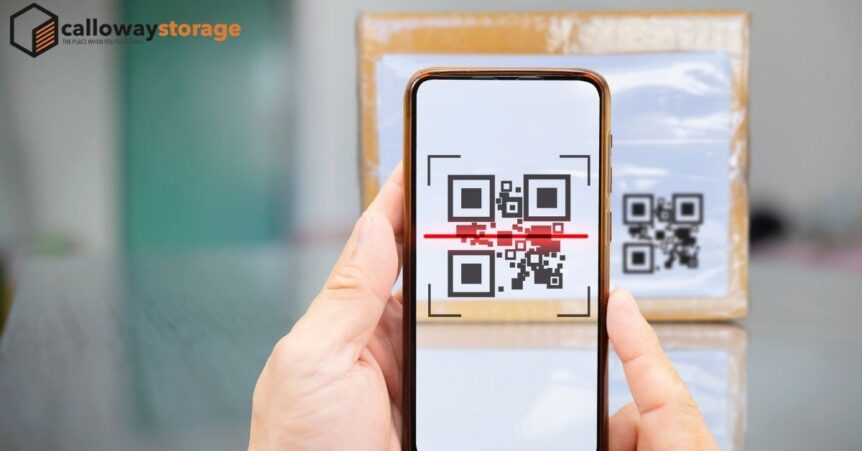
Scan the code with your phone’s camera, and boom, you can see what’s inside, who added it, and when it was last updated.
No fancy app. No subscription. Just the free tools you already use.
Expert Insight From Calloway Storage
One of the biggest challenges we hear from customers is forgetting which box contains a particular item after several months in storage. Creating a simple digital inventory with QR codes helps eliminate unnecessary searching and makes accessing stored belongings much faster, especially for seasonal storage and long-term storage projects.
Step-by-Step Setup
- Create Your Master Google Sheet
- Start a new spreadsheet in Google Sheets.
- Label your columns: Bin ID, Contents, Date Added, Owner, Notes.
- Share the sheet with anyone who needs access, family members, teammates, or your moving partner.
- Assign Each Bin an ID
- Example: KITCHEN-01, WINTER-02, TOYS-03.
- Write these IDs clearly on each bin or box with a marker or label.
- Generate a Free QR Code
- Visit a free site like qr-code-generator.com or goqr.me.
- Paste the unique Google Sheet URL (or a specific tab or row link for that container).
- Download and print the QR code.
- Stick & Scan
- Tape or laminate the QR code on the front or lid of the storage bin or box.
- Test it! Open your phone’s camera, scan the code, and confirm it links to the right info.
Why It’s Brilliant for Shared Storage
Traditional Labels vs QR Code Storage Tracking
| Traditional Labels | QR Code Storage |
|---|---|
| Limited writing space | Unlimited digital inventory |
| Must open boxes to verify contents | Scan to instantly view contents |
| Hard to keep updated | Easy to edit anytime |
| Not ideal for shared storage | Everyone sees the same inventory |
- Families stay synced: Everyone knows what’s in each bin, no digging or guessing.
- Teams stay efficient: Great for small businesses storing event gear, signage, or inventory.
- Real-time updates: Add or remove items and the list refreshes instantly.
- Loss prevention: If something’s misplaced, your Sheet acts like a searchable map.
Perfect for Cottage Owners in Muskoka and Central Ontario
Many cottage owners throughout Muskoka, Haliburton, Gravenhurst, Minden, MacTier, and Parry Sound store seasonal furniture, boating equipment, holiday decorations, and maintenance supplies for months at a time. QR-coded storage containers make it much easier to remember exactly where everything is when opening or closing a cottage for the season.
Whether you’re storing belongings at home or using a secure self-storage unit, digital inventories can save time, reduce frustration, and help everyone in the family quickly locate what they need.
Pro Tip: Color + QR Combo
Use color-coded labels for quick visual sorting like red for holiday décor, blue for kids’ keepsakes, green for business supplies.
Then pair the color with the QR code for a double-layered tracking system that’s both smart and simple.
Frequently Asked Questions
Do I need a special app to scan QR codes?
No. Most modern smartphones can scan QR codes directly using the built-in camera app.
Can I update the inventory after creating the QR code?
Yes. Since the QR code links to a Google Sheet, you can edit the contents anytime without creating a new QR code.
Are QR-coded storage bins useful for businesses?
Absolutely. They help businesses organize inventory, tools, event equipment, archived documents, and seasonal supplies.
Can QR codes be used for long-term storage?
Yes. They’re especially useful for long-term storage because they make it easy to remember what’s inside each container months or even years later.
Can I use QR-coded bins in a self-storage unit?
Yes. QR codes work well whether containers are stored at home, in a garage, at a cottage, or inside a secure self-storage facility.
Level Up Your Storage Game
At Calloway Storage, we love seeing customers use tech to make storage effortless. Whether you’re managing a home move, seasonal gear, or team equipment, QR-coded bins or boxes help you stay organized, and future-you will thank you every time you scan.